
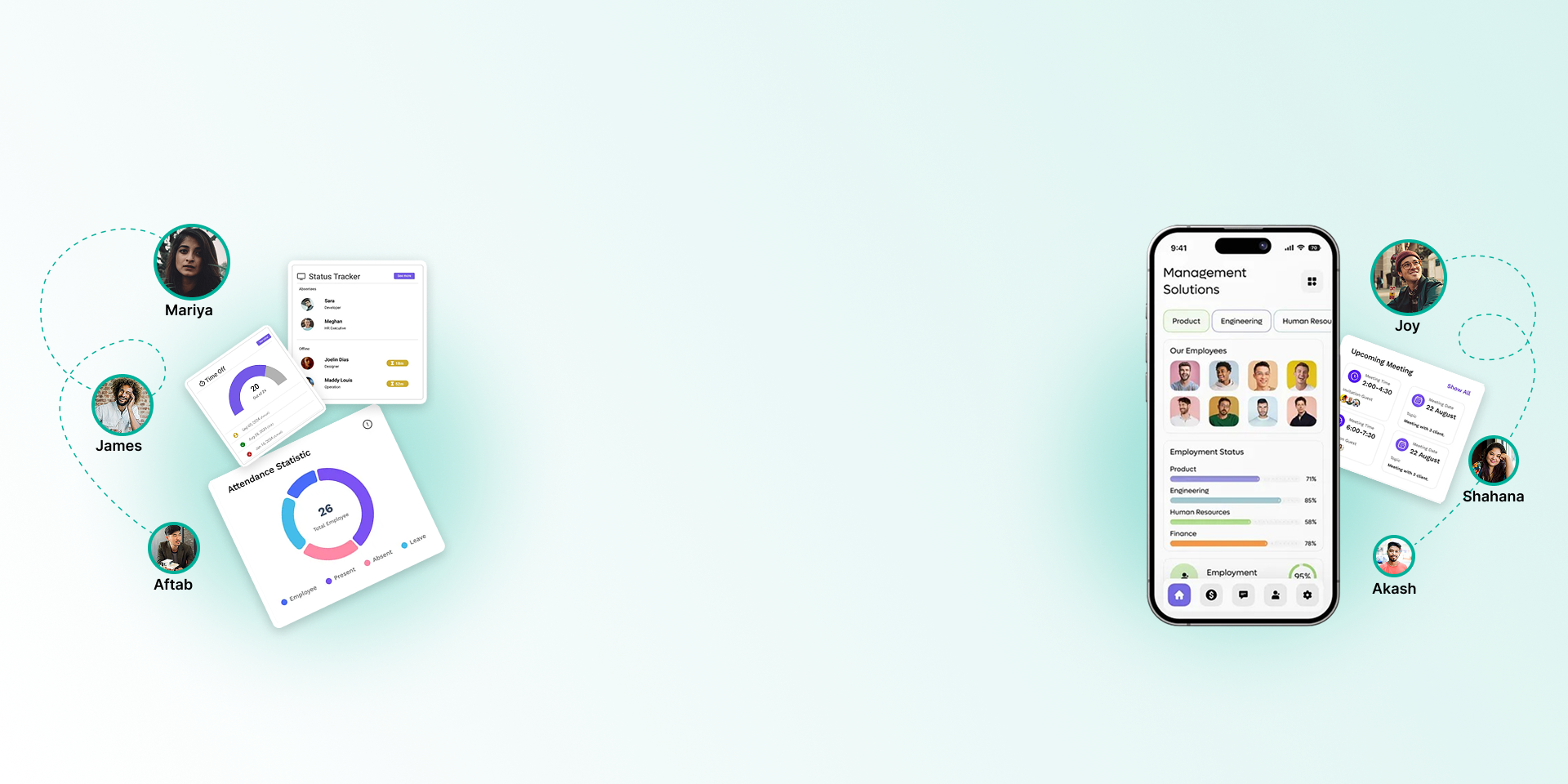
EMPLOYEE MANAGEMENT
FROM JOINING TO EXIT
Keep every employee's profile, documents and career history in one place, set up your company structure, and decide exactly who can see what.

One complete record for every employee
Every other module, from attendance to payroll and tax, reads from the same employee record.
Complete employee profile
Basic, payment (bank and mobile banking), salary, position, personal, leave, attachments, reference, nominee, emergency contact and login details, in separate tabs.
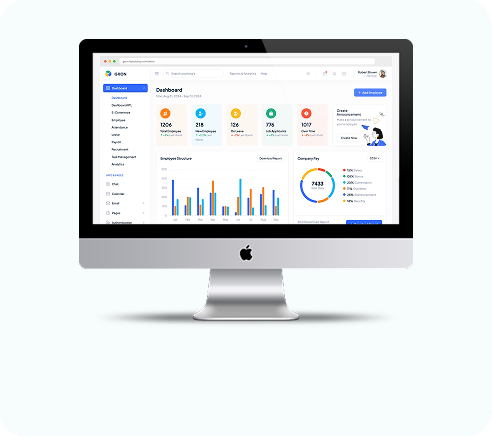
Bulk import from Excel
Upload your employee list from an Excel template, check the preview, then save.
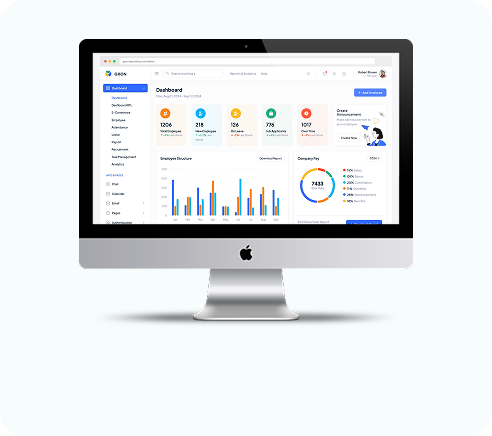
Company structure
Branches, departments with sub-departments, designations, grades and job contract types.
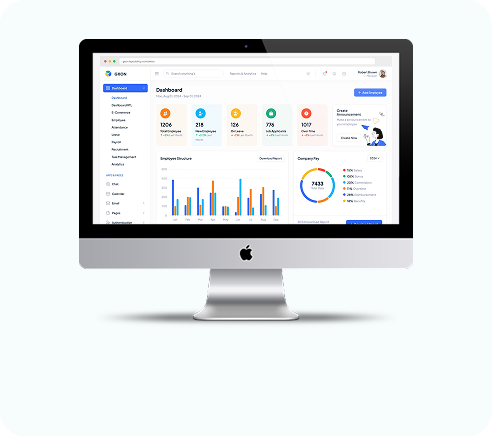
HR letters from templates
Generate letters for any employee from a template, edit them in the editor and export to PDF.
Employee documents
Store documents against each employee. Staff see their own documents on the web and in the app.
Service book
A running record of each employee's employment history.
Transfers with approval
Record transfers between branches or departments, with approval and cancellation steps.
Roles and permissions
Decide which screens each role and each person can open. Line managers see only their own team.
Employee self-service
Employees see their own profile, attendance, leave, payslips and documents without asking HR.
Employee management questions
Still have questions?
Can't find the answer you're looking for? Talk to one of our product experts today.
Yes. Fill in the Excel template, upload it, check the preview and save.
Yes. Line managers see their direct reports in employee lists, attendance, leave and requests.
Yes. Create templates for your HR letters, pick an employee, edit the letter and download it as a PDF.
Employees can update their name, email, phone, photo and password. Other details are managed by HR.